
Sale!

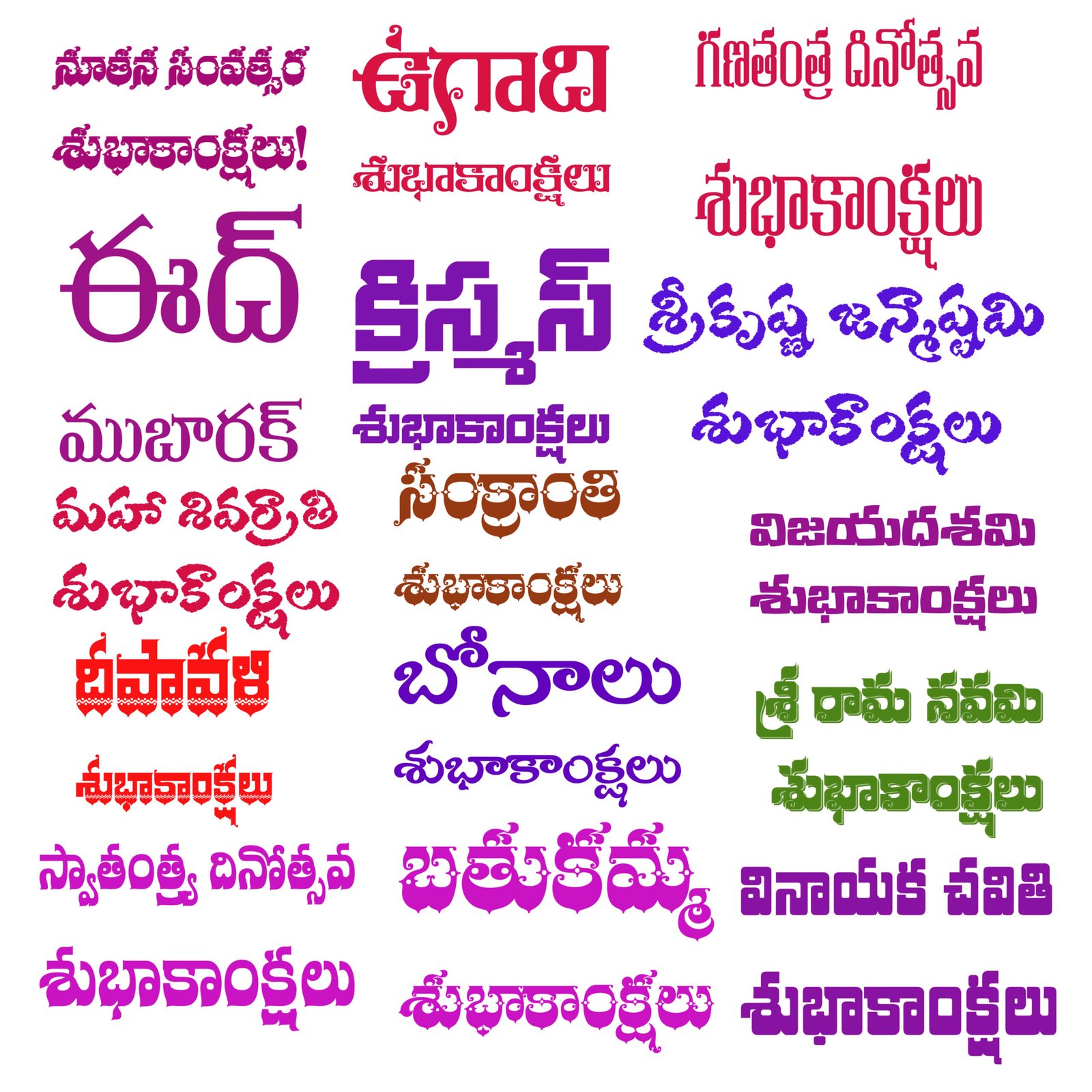
FESTIVAL BRUSHES TELUGU | PHOTOSHOP (.ABR)
Original price was: ₹100.00.₹50.00Current price is: ₹50.00.
Traditional Telugu Brushes for Photoshop
HOW TO USE
-
Ensure the .ZIP file you downloaded has been extracted.
You should now see a file called Festival Brushes.ABR -
Open Adobe Photoshop
-
Select the Brush Tool (B)
-
Click the brush preset picker in the top toolbar
-
Click the gear icon ⚙️ and choose “Import Brushes…”
-
Select the downloaded .ABR file
🎨 Quick Setup for Special Results
Open Brush Settings (F5) and enable:
✅ Color Dynamics
-
Check “Apply Per Tip”
-
Set Foreground/Background Jitter: 100%
✅ Scattering
-
Set Count: 2
✅ Build-up
💡 Tip: Set different Foreground/Background colors for vibrant multi-colored strokes!
Related products
-
Sale!
 Special Products
New Year Template -Telugu Language TEXT
Original price was: ₹100.00.₹50.00Current price is: ₹50.00. -
Sale!
 Special Products
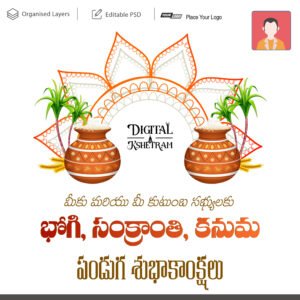
Sankranti | Bhogi | Kanuma | Photoshop Design | Telugu
Original price was: ₹100.00.₹50.00Current price is: ₹50.00. -
Sale!
 Special Products
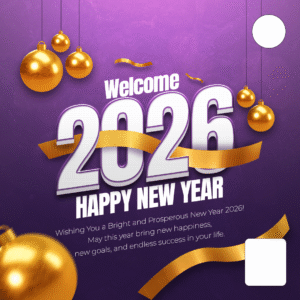
New Year PSD Template | Editable Photoshop Design Download
Original price was: ₹100.00.₹50.00Current price is: ₹50.00.
Reviews
There are no reviews yet.